Solution Configuration Wizard
Two versions turn a use case description into a blueprint, a runnable PoC and its documentation.
Wizard V2
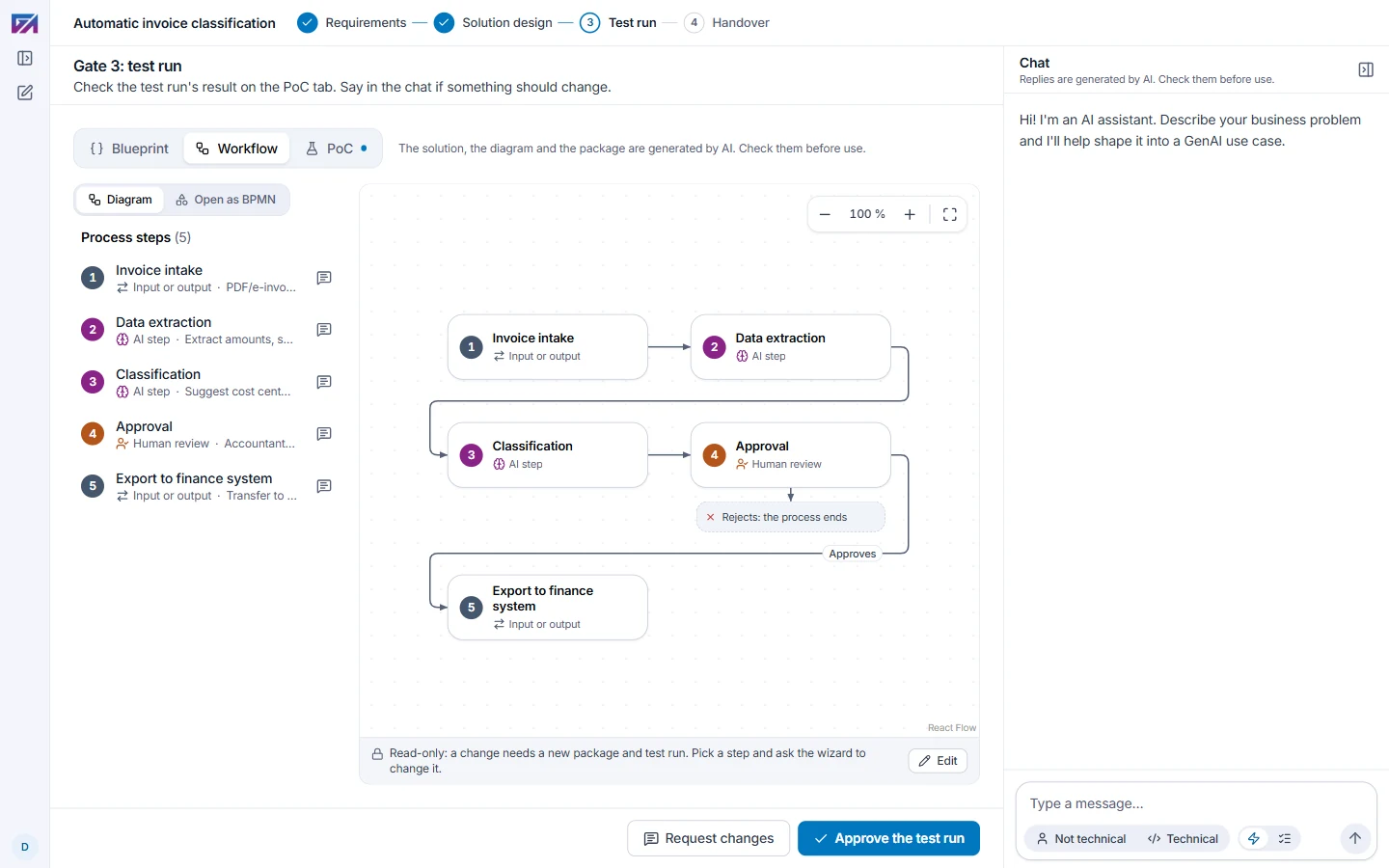
A guided chat that turns your business problem into a solution built from GAIK components. It stops at four gates for you to check the result.
- Who it is for
- Anyone with a use case in mind. No coding and nothing to install.
- Where it runs
- In your browser, on a GAIK service of its own.
- Access
An account from the GAIK team. Your sign-in to this demo does not open it. Request an account
- Requirements: What the solution must do, with what material and for whom.
- Solution design: The GAIK components chosen and the workflow diagram.
- Test run: The proof of concept runs, and you approve its result.
- Handover: The documentation and a deployment package to download.
 First wizard
The first version, a Claude Code skill. It builds the whole package in one conversation: the blueprint, the workflow diagrams, a PoC and its documentation.
- Who it is for
- Developers who use Claude Code.
- Where it runs
- In Claude Code on your own computer, or in this demo's browser.
- Access
In Claude Code: your own Claude account, no GAIK account needed.
In the browser: a demo account the GAIK team has opened it for. Request access
terminal
git clone https://github.com/GAIK-project/gaik-toolkit.gitcd gaik-toolkit && claude/solution-wizardin Claude Code
Requests go to dmitry.kudryavtsev@haaga-helia.fi, or write through the GAIK contact page.